What is QR reporting? A plain-English explainer
A camera-sized front door for complaints and inspection checklists.
- Published
- Author
- X9
- Reading time
- 5 min read
The short answer
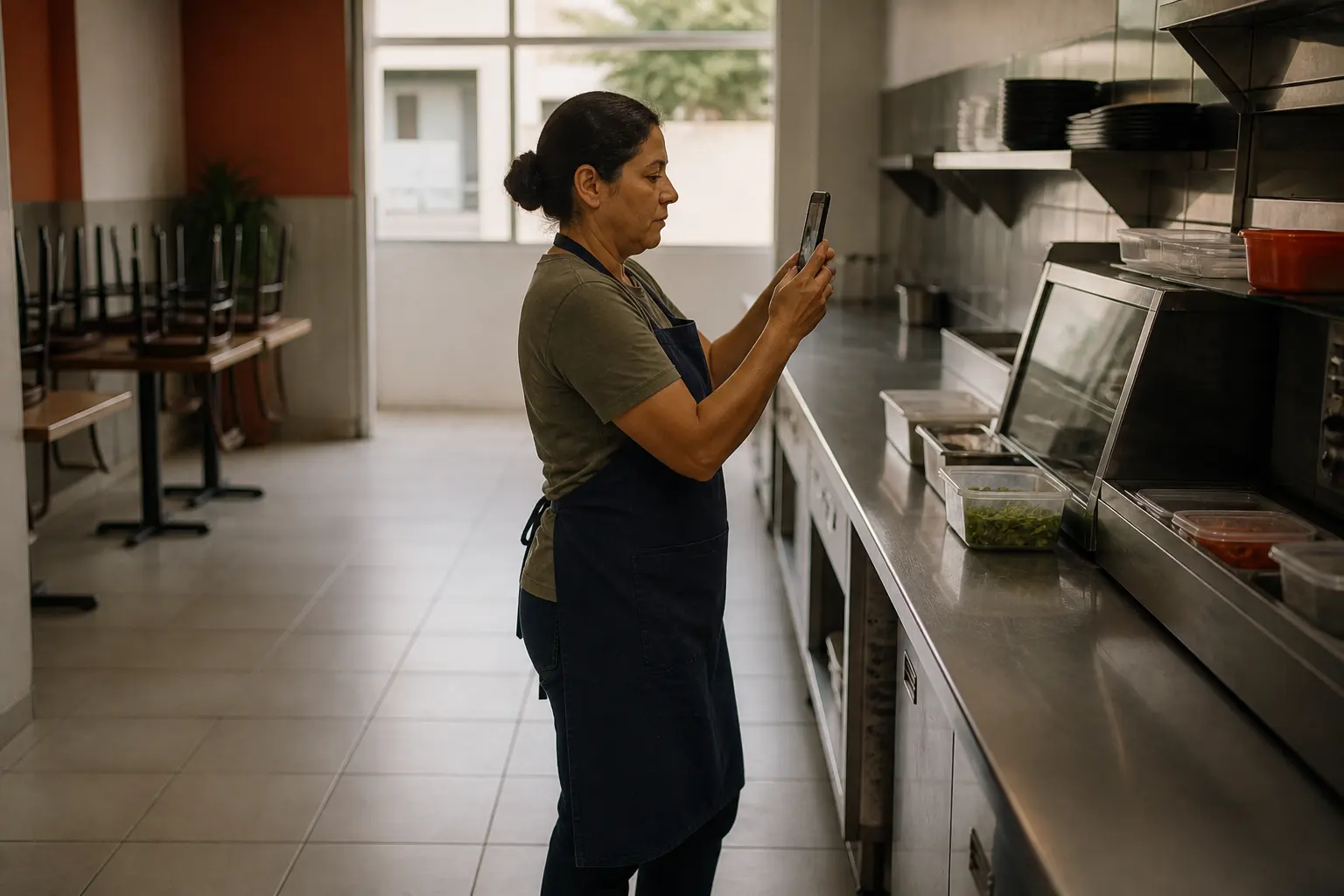
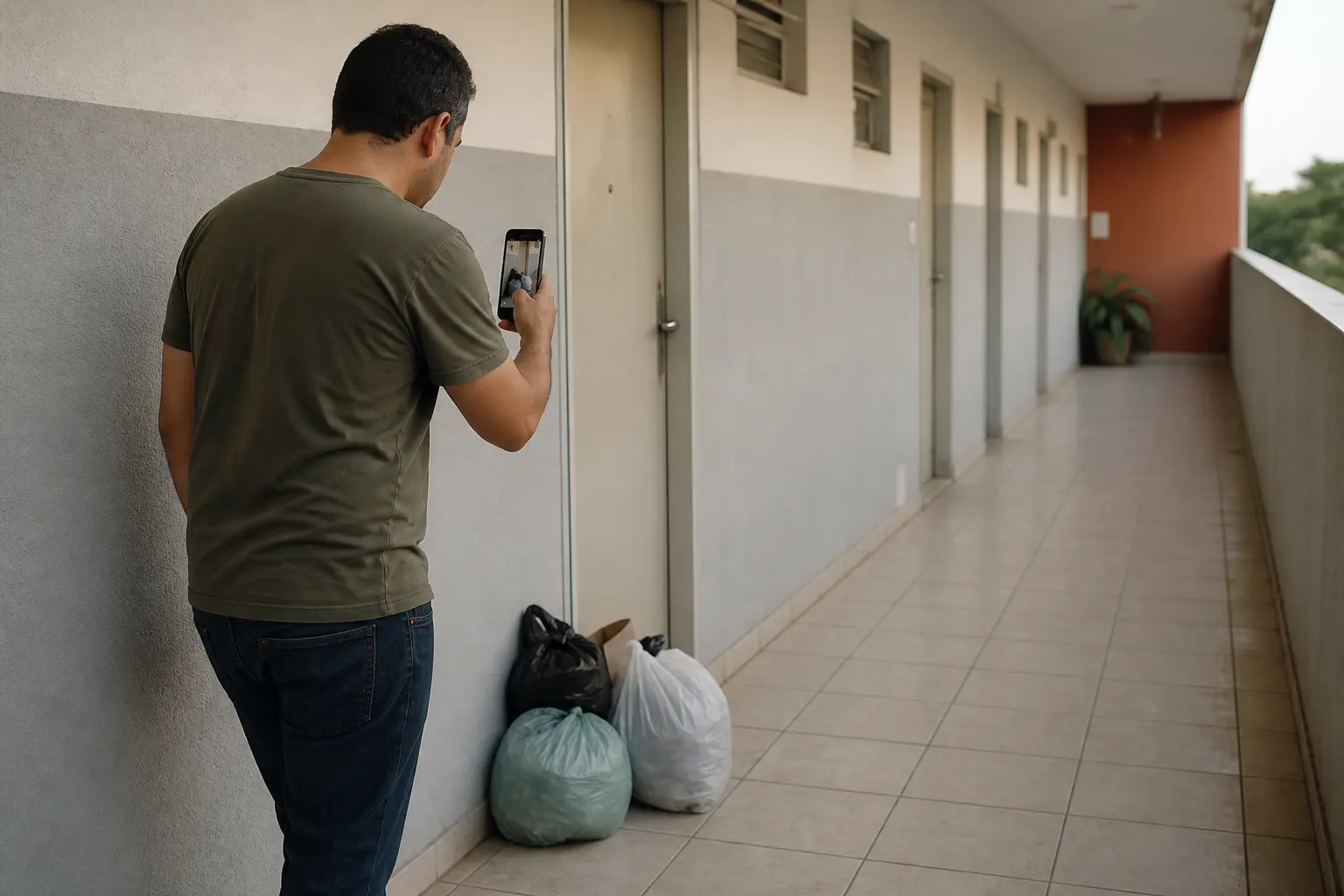
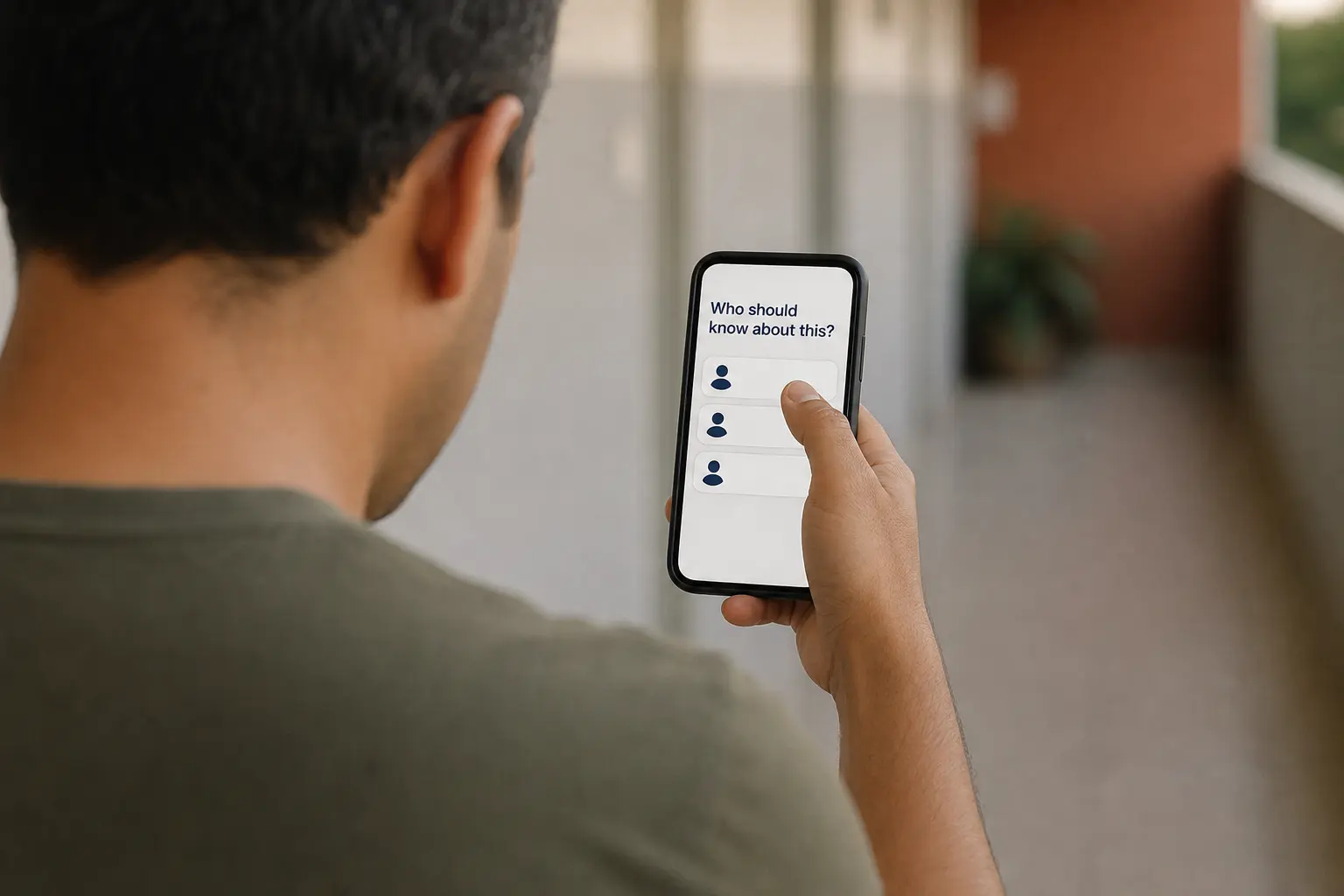
QR reporting is a camera-sized front door. You print or share a code for a building, a shift, or a route. Someone scans it and either files what went wrong or runs the checklist you already wrote. No account on their side.
X9 is not only a sticky-note list. The same scan can start a complaint — capture, assign, follow — or an inspection — capture, assign, execute, follow — with required photos and a report you can hand to a board or a client.
When it works well
- Building and park complaints that used to live in WhatsApp.
- Opening, closing, and maintenance rounds that need a photo where it counts.
- A contractor punch-list for one apartment or one visit.
- A house, store, or team errand list that should not disappear in chat.
In all of these, the work is tied to a place or a routine, and the person who notices it should not have to install a project tool.
When it is the wrong tool
- Multi-month software projects with comments, roles, and a backlog — use a project tool.
- Secret HR or medical files on a public poster — use an auth-gated link inside the app, not a printed QR.
A public QR is still a link. Treat the code like a key when the content is sensitive.
How X9 does it
X9 groups related work in a bucket. A share QR on that bucket does three things:
- The bucket gets a short URL on
qr.x9.app. - That URL is embedded in a code that a phone camera can read at arm's length.
- Scanners can file a report or open the checklist in the browser. Owning the bucket, assigning the work, and exporting the scored audit stay in the app.
That split is the point. Reporting should be cheap. Proof and follow-up stay with the person who is responsible.
Key facts
- Reporter friction: camera, scan, tap. No install.
- Operator friction: one tap to share or print the code.
- Audit: required photos, timestamps, scores, exportable report.
- Delete the bucket: the code dies with it.
What to read next
- How to share a to-do list without forcing an app install
- Spreadsheet vs shared bucket: when to upgrade
- Or the features page for reporting and audit checklists.
Keep reading
How to share a to-do list without forcing an app install
Five ways to hand off work to people who hate signing up for things — ranked from worst to best.
Most task-sharing tools assume both sides will install the app. Most people won't. Here are the realistic options ranked by friction, with a recommendation for one-off hand-offs.
Apr 30, 2026 · X9
Spreadsheet vs shared bucket: when to upgrade your team's checklist
If your team's task tracking is a Google Sheet with conditional formatting, this is for you.
Shared spreadsheets are the world's most popular task tracker. They also collapse around 8–10 collaborators. Here is when to keep the sheet and when to graduate to a purpose-built shared list.
Apr 30, 2026 · X9