01
Keep related responsibilities together.
When several things belong to the same building, the same trip, or the same evening, group them. Share the group so the whole context travels — not just the title of one task.
What's inside
X9 is built around a few simple ideas — capture what needs attention, bring the right people in, and follow up until something actually happens. No boards, no ceremonies, no learning curve. Just the lightest tools to make sure things do not get lost.
The basics
When several things belong to the same building, the same trip, or the same evening, group them. Share the group so the whole context travels — not just the title of one task.
Reach the people you already have in your contacts, not the ones inside a workspace. Hand a task off in two taps, and they open it on the device they already use.
A task in X9 is something you noticed that someone needs to act on. Short title, an owner, optional context. Nothing else gets in the way of it actually happening.
Where real life happens
A printable QR on a poster, a sticker on the broken thing, a code at the front desk. Anyone with a phone scans, and the task is there. The first step is noticing — make the second step take a second.
A link is enough. Send it to a friend, a neighbour, a contractor, a parent. They open it without installing anything or creating an account — because real life involves more people than your team does.
iOS, Android, web — same link, same handoff page, same speed. X9 picks the right experience automatically, and the person on the other side never has to think about it.
Less chasing. More doing.
Assignees mark progress with a tap. You see it on your screen — no message, no nudge, no awkward follow-up that everyone has to read.
When a task stalls, give it one quiet bump. We handle the rest. No nag chains, no message volleyball, no apologising for the second reminder.
The person you brought in sees their task and the context they need — and nothing else. Sharing is simple precisely because it stays narrow.
Audits
X9 is an audit tool for the rounds you already run — opening and closing procedures, maintenance inspections, cleaning standards, security patrols, and the errand that needs proof. Write the checklist once. Hand today's run to today's person. Get it back scored, timestamped, and backed by photos. Then export an audit report you can hand to a client, a board, or an inspector.
Turn an opening checklist, a closing procedure, or a shift handover into a reusable routine. You stop re-explaining the work. They stop guessing what done meant this time.
Each audit run belongs to someone. The maintenance round, the store walk, the site inspection — assigned, visible, and still there if the first person calls in sick.
Every step on the audit checklist gets an answer. No skipped lines, no looked-fine in the margin. If it was on the inspection, it got a yes or a no.
Required photo evidence on the steps that matter. Quality checks, cleaning standards, and safety points stay honest because the picture is part of the record.
Weight the critical step higher than the small one. A percentage score tells you how the inspection went — not just whether someone walked it.
Timestamps, answers, photos, and the score in one inspection report. Proof for a client, a board, or an inspector — not a screenshot of a group chat.
Where it fits
The open-to-close checklist becomes a shared bucket. Whoever is on shift sees what is left and marks it done. The owner sees the whole day on one screen — without sending three reminder messages.
A bucket per event, contacts pulled from your phone, tasks handed off by name. The QR on the back of the venue map is the project plan.
One bucket per client, the recurring things templated, status visible to whoever picks the work up next. No client logins to manage.
Anyone with the link is in. Anyone can mark a task done. The person who started it sees who did what — without policing accounts.
You put a code on a place or a route. Anyone scans, describes the issue, and can attach a photo. It lands in one bucket instead of a chat.
You write the round once. The person on shift opens it, ticks each step, adds a required photo, and you export the scored report.
Not to report or to open a shared checklist link. Login is for the people who own the work.
How X9 works
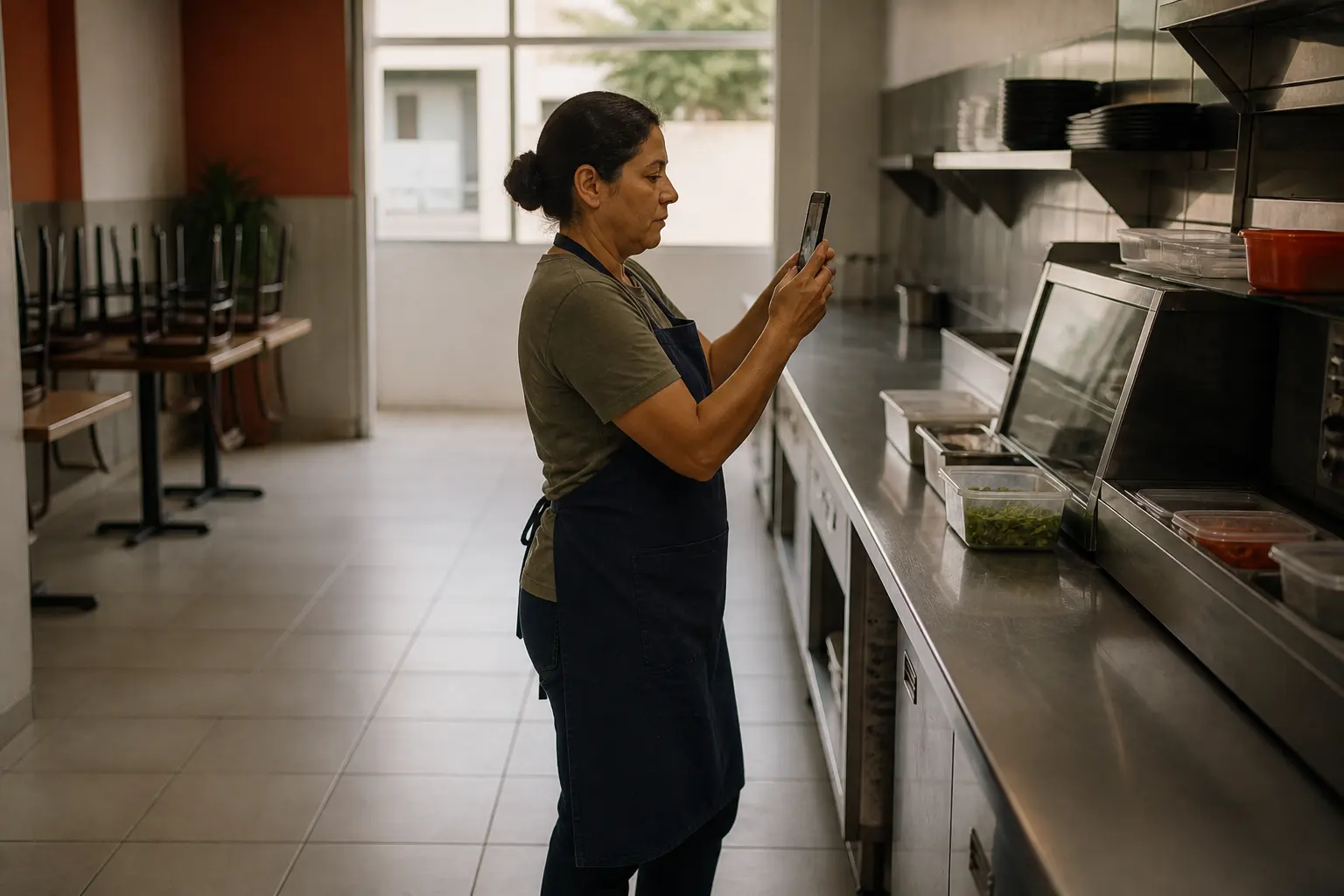
Audit
Write the standard once — opening, closing, the errand list. Hand it to whoever is on shift and get it back step by step, with a photo where it counts.

Capture
QR portals let anyone contribute in seconds. X9 turns everyday “somebody should fix this” moments into one clean signal instead of a pile of chats.
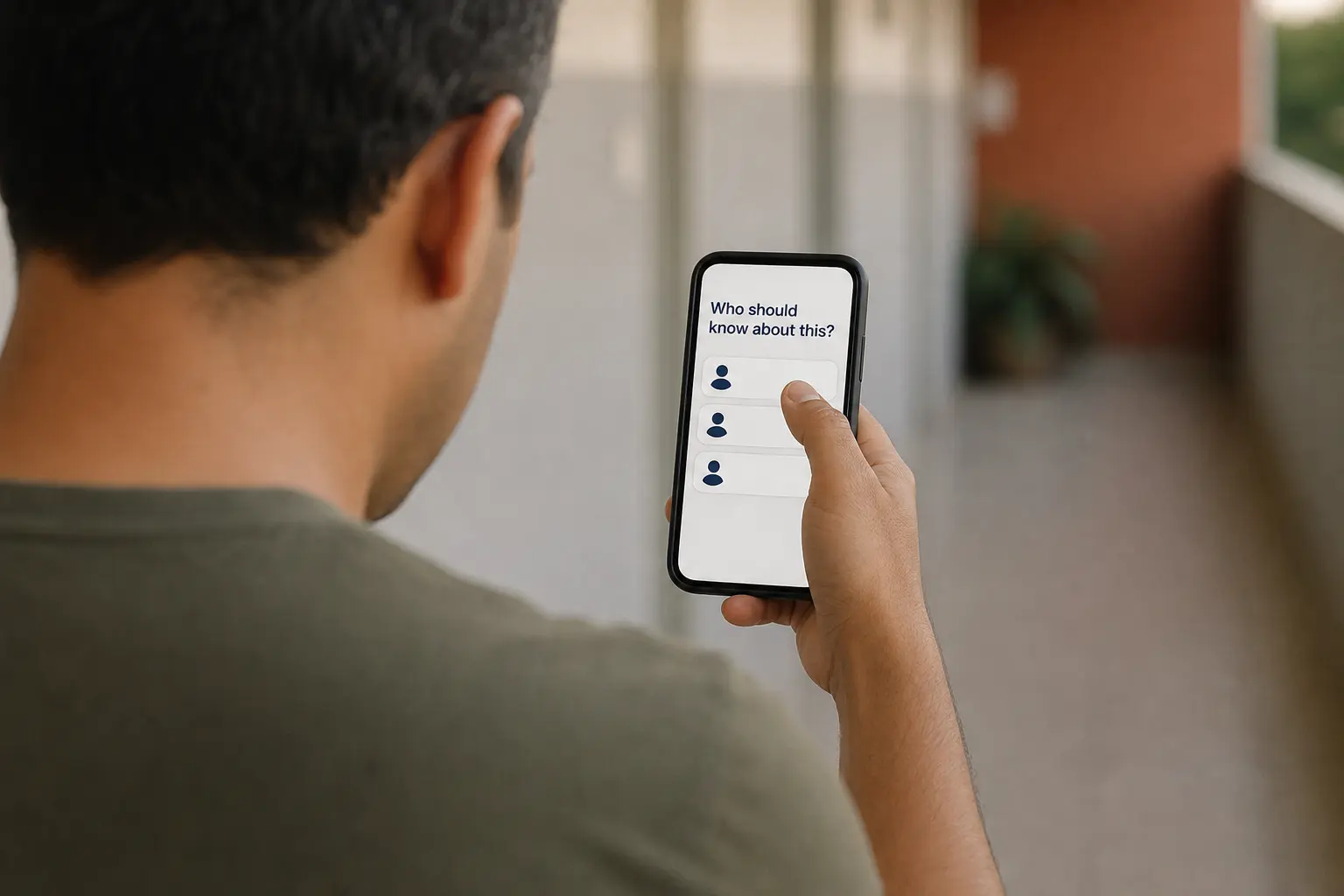
Delegate
Put the task in the right hands. Clear ownership, easy handoffs, live tracking — no more digging through chats or chasing updates.