Guides
Notes on moving what matters forward.
Working out loud about the moments where good intentions stop being enough — what an honest hand-off looks like, why most task tools fail the recipient, and what the people who notice first actually need.
Solving the WhatsApp Chaos: How Building Managers Organize Maintenance with X9
Stop losing maintenance tasks in your chat history and start using organized buckets and scannable task lists.
Learn how building managers use X9 to move maintenance requests out of WhatsApp and into organized task buckets for better team collaboration.
May 1, 2026 · X9
Improving Park Maintenance Through Collective Reporting and QR Hand-offs
How property managers can leverage community-driven task lists to address park issues faster.
Discover how property managers use X9 to crowdsource park maintenance reports. Learn how QR codes and shared buckets turn citizen feedback into actionable tasks.
May 1, 2026 · X9
How to Manage Shared Student Housing Without the Drama
Keep your kitchen clean and common areas tidy using simple QR-based task sharing.
Learn how to organize student living spaces, from kitchen rotas to maintenance reminders, using X9's QR task lists. One person manages the app; everyone else scans to help.
May 1, 2026 · X9
How to share a to-do list without forcing an app install
Five ways to hand off work to people who hate signing up for things — ranked from worst to best.
Most task-sharing tools assume both sides will install the app. Most people won't. Here are the realistic options ranked by friction, with a recommendation for one-off hand-offs.
Apr 30, 2026 · X9
Spreadsheet vs shared bucket: when to upgrade your team's checklist
If your team's task tracking is a Google Sheet with conditional formatting, this is for you.
Shared spreadsheets are the world's most popular task tracker. They also collapse around 8–10 collaborators. Here is when to keep the sheet and when to graduate to a purpose-built shared list.
Apr 30, 2026 · X9
What is QR reporting? A plain-English explainer
A camera-sized front door for complaints and inspection checklists.
QR reporting lets anyone scan a code, file a complaint or run a checklist, and leave photo proof — without installing an app. Here is what it is, when it works, and how X9 uses it for audits.
Apr 30, 2026 · X9
How X9 works
Try it yourself. Now, and free.
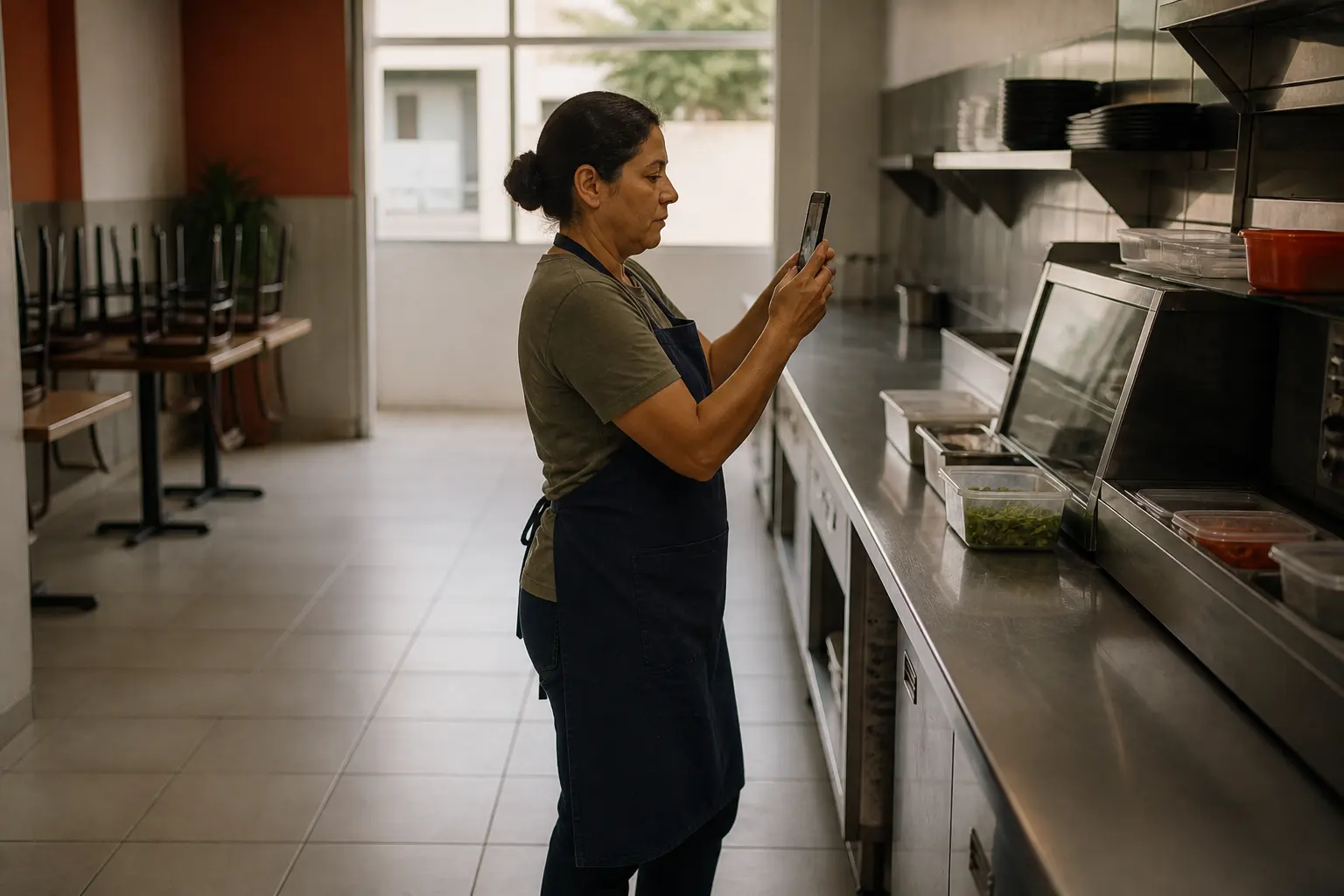
Audit
X9 to manage routines and audits
Write the standard once — opening, closing, the errand list. Hand it to whoever is on shift and get it back step by step, with a photo where it counts.
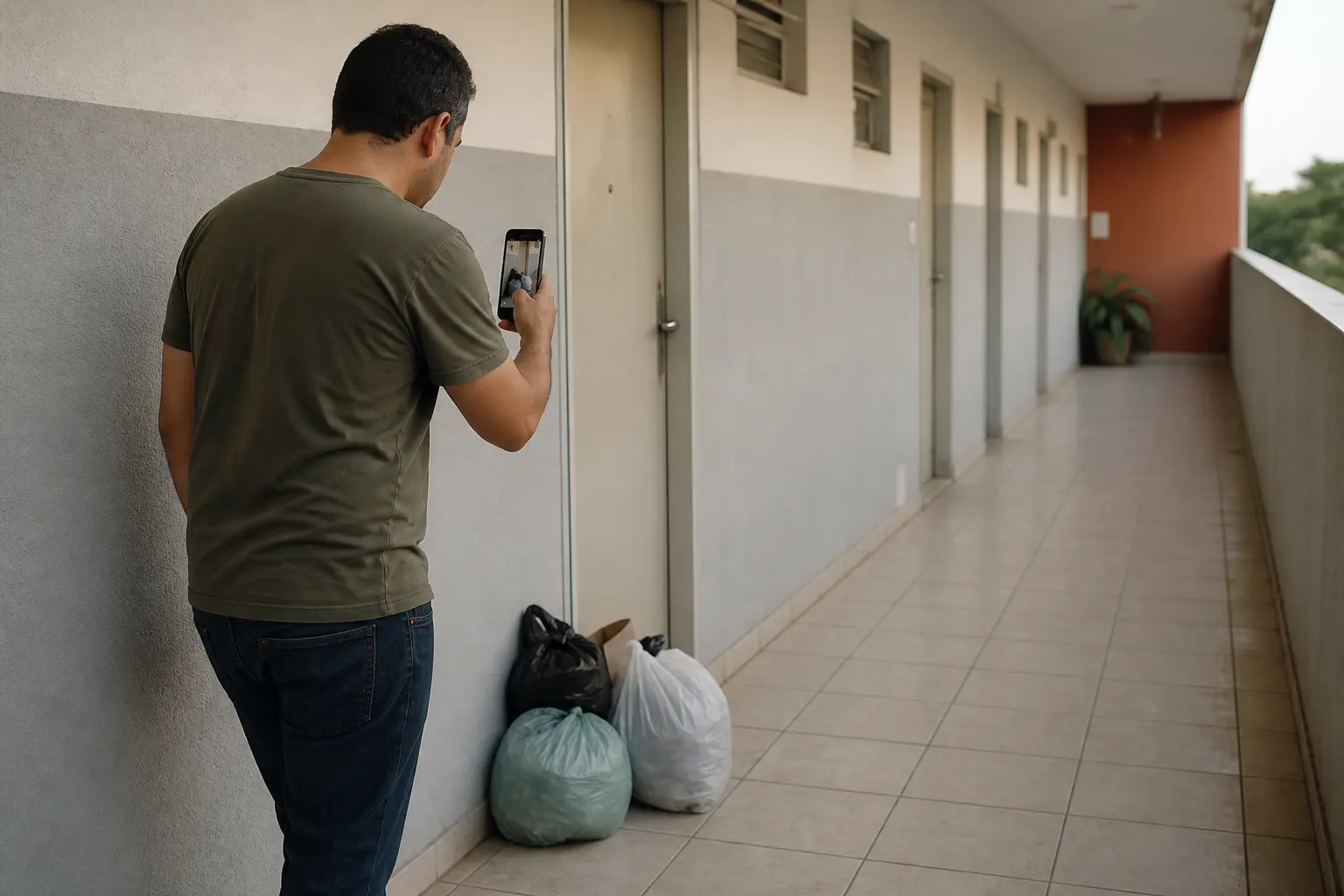
Capture
X9 to collect from your community
QR portals let anyone contribute in seconds. X9 turns everyday “somebody should fix this” moments into one clean signal instead of a pile of chats.
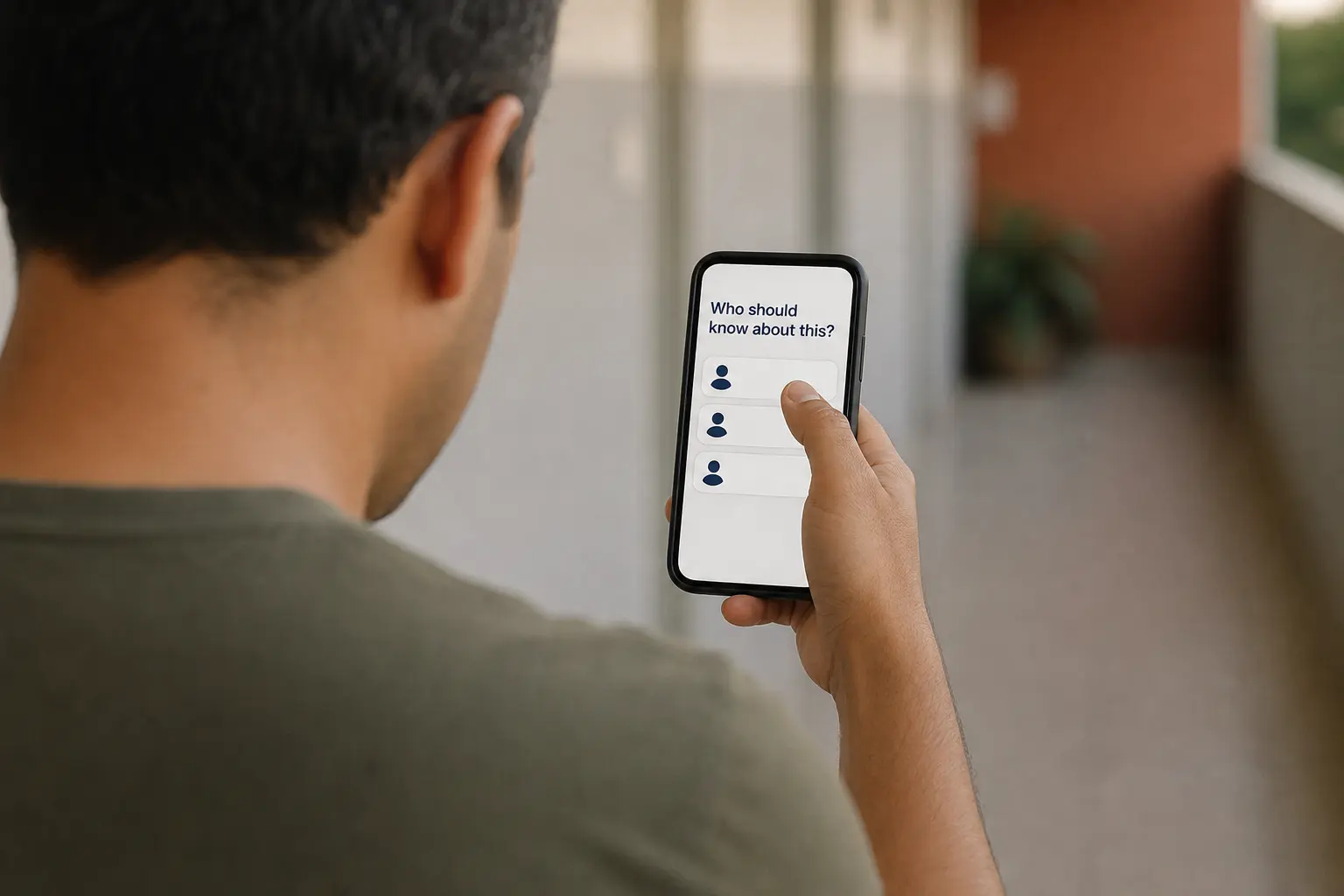
Delegate
X9 to delegate and observe progress
Put the task in the right hands. Clear ownership, easy handoffs, live tracking — no more digging through chats or chasing updates.