Solving the WhatsApp Chaos: How Building Managers Organize Maintenance with X9
Stop losing maintenance tasks in your chat history and start using organized buckets and scannable task lists.
- Published
- Author
- X9
- Reading time
- 6 min read
The short answer
X9 solves the building manager's WhatsApp chaos by moving disorganized chat requests into structured task buckets. Managers use the X9 mobile app to log maintenance issues and then share these lists with staff or contractors via scannable QR codes, allowing recipients to view and complete work in their browser without installing an app.
The WhatsApp Timeline Trap
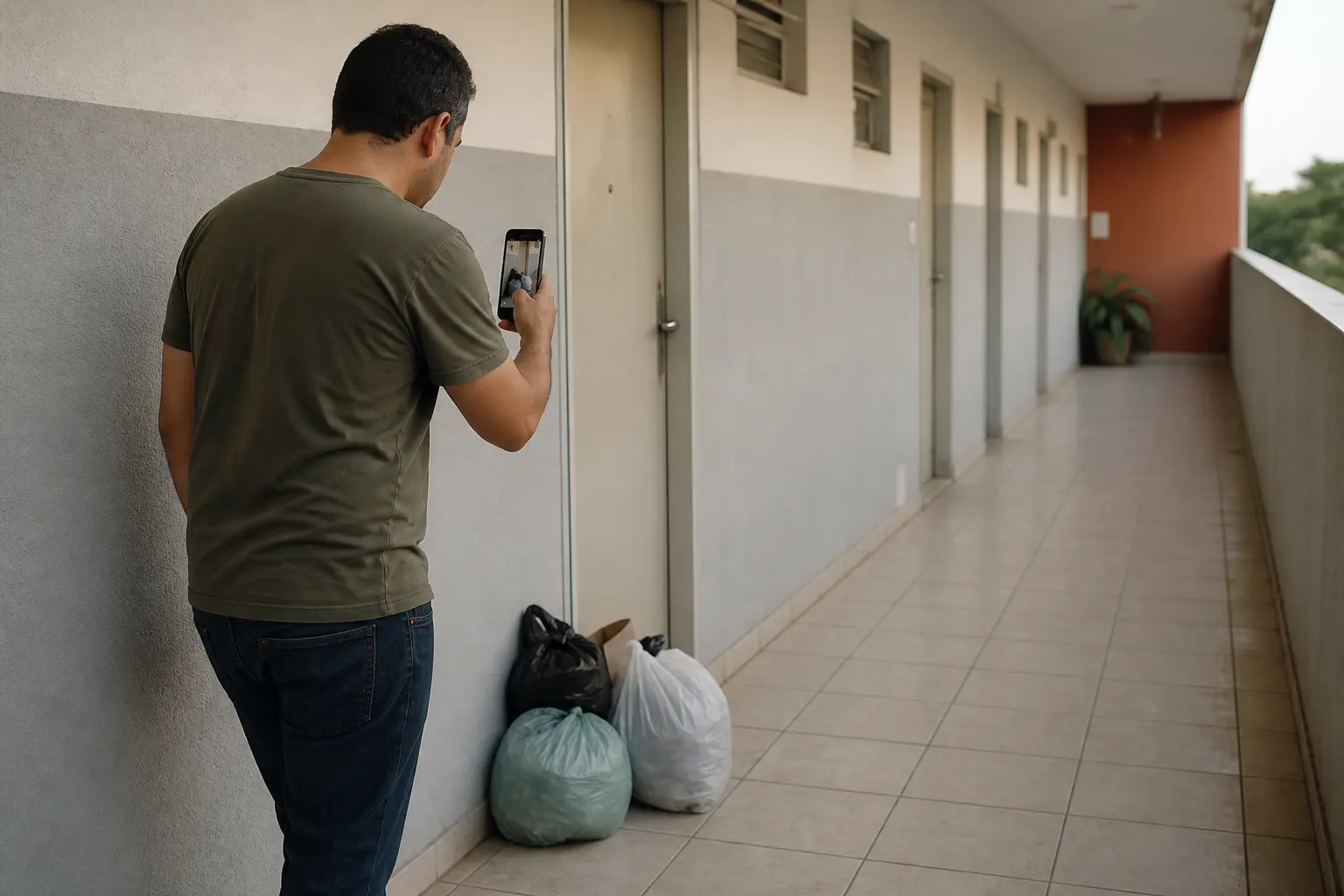
If you are a building manager (or 'síndico'), your WhatsApp is likely a graveyard of forgotten requests. A resident sends a photo of a broken lightbulb at 10:00 PM; by 8:00 AM the next morning, that message is buried under ten other messages about parking spots, guest lists, and general chatter.
WhatsApp was designed for conversation, not for project management. It lacks a 'status' field, it doesn't allow for easy categorization, and it makes follow-up nearly impossible once the message leaves the immediate view of your screen. When tasks live in a chat timeline, they don't just get delayed—they get lost.
Centralizing the Chaos into Buckets
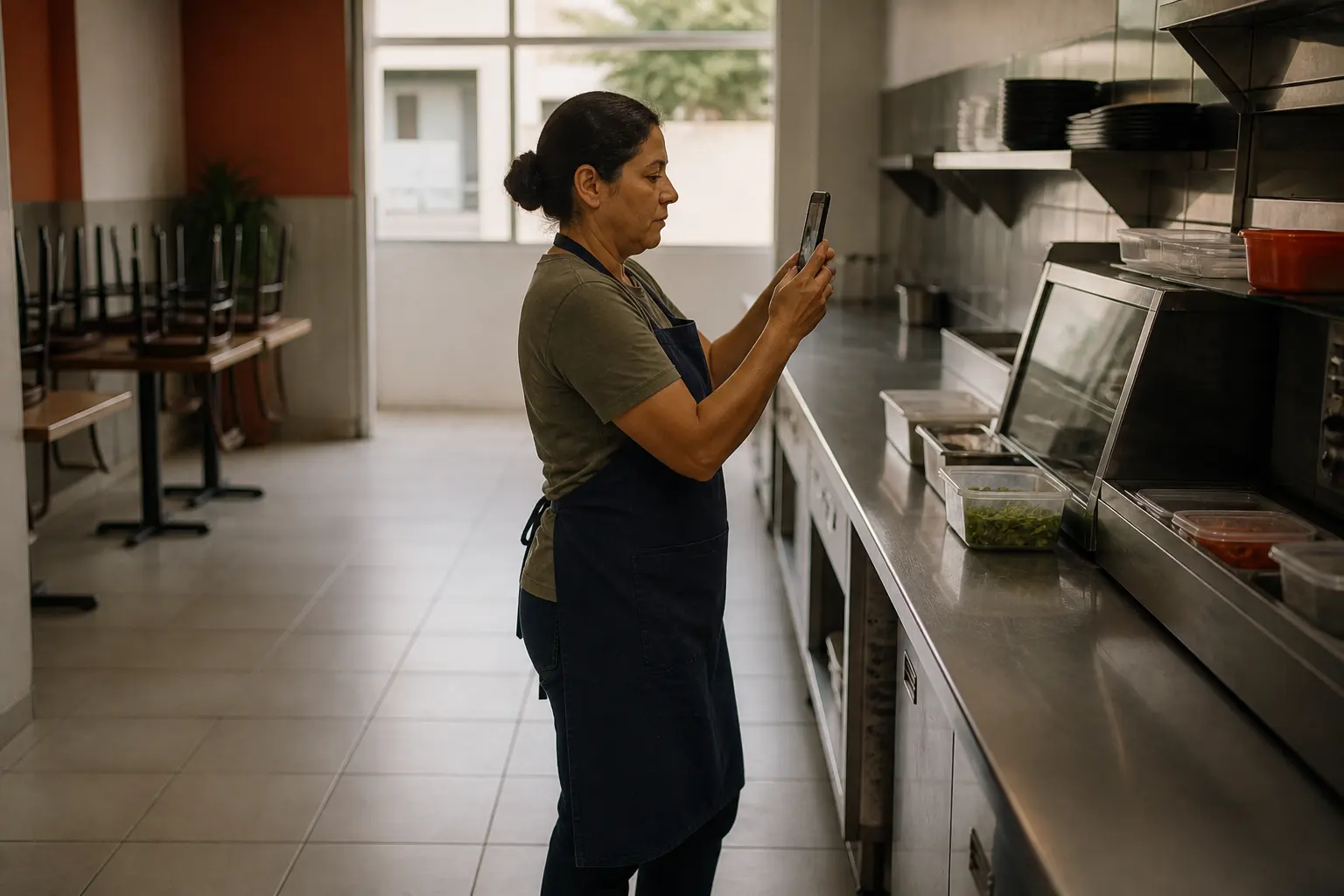
Instead of letting requests float in a chat history, X9 allows you to centralize them into Buckets. As soon as a request comes in via WhatsApp, you can log it as a task in the X9 app.
You might have buckets for:
- Urgent Repairs: Plumbing leaks or electrical failures.
- Common Areas: Issues in the lobby or pool area.
- Scheduled Maintenance: Routine filter changes or inspections.
By moving the data from a conversation to a structured bucket, you gain a bird's-eye view of everything happening in the building. You can see at a glance what is pending, what is in progress, and what has been completed.
QR Codes for Location-Based Task Access
To make on-site management easier, X9 uses QR codes to provide contextual access to your tasks. By placing a QR code in strategic locations—like the boiler room, the gym, or the electrical closet—you or your staff can scan the code to instantly open the specific bucket associated with that area.
This eliminates the need to search through a long list of general tasks while you are standing in front of the problem. It brings the digital task list to the physical location where the work happens, ensuring that you are always looking at the right information at the right time.
Frictionless Handoff to Maintenance Teams
While the manager uses the X9 app to organize and assign tasks, the real power lies in the handoff. When you hire a plumber or an electrician, you don't want to force them to download a new app or create a login just to see a list of five repairs.
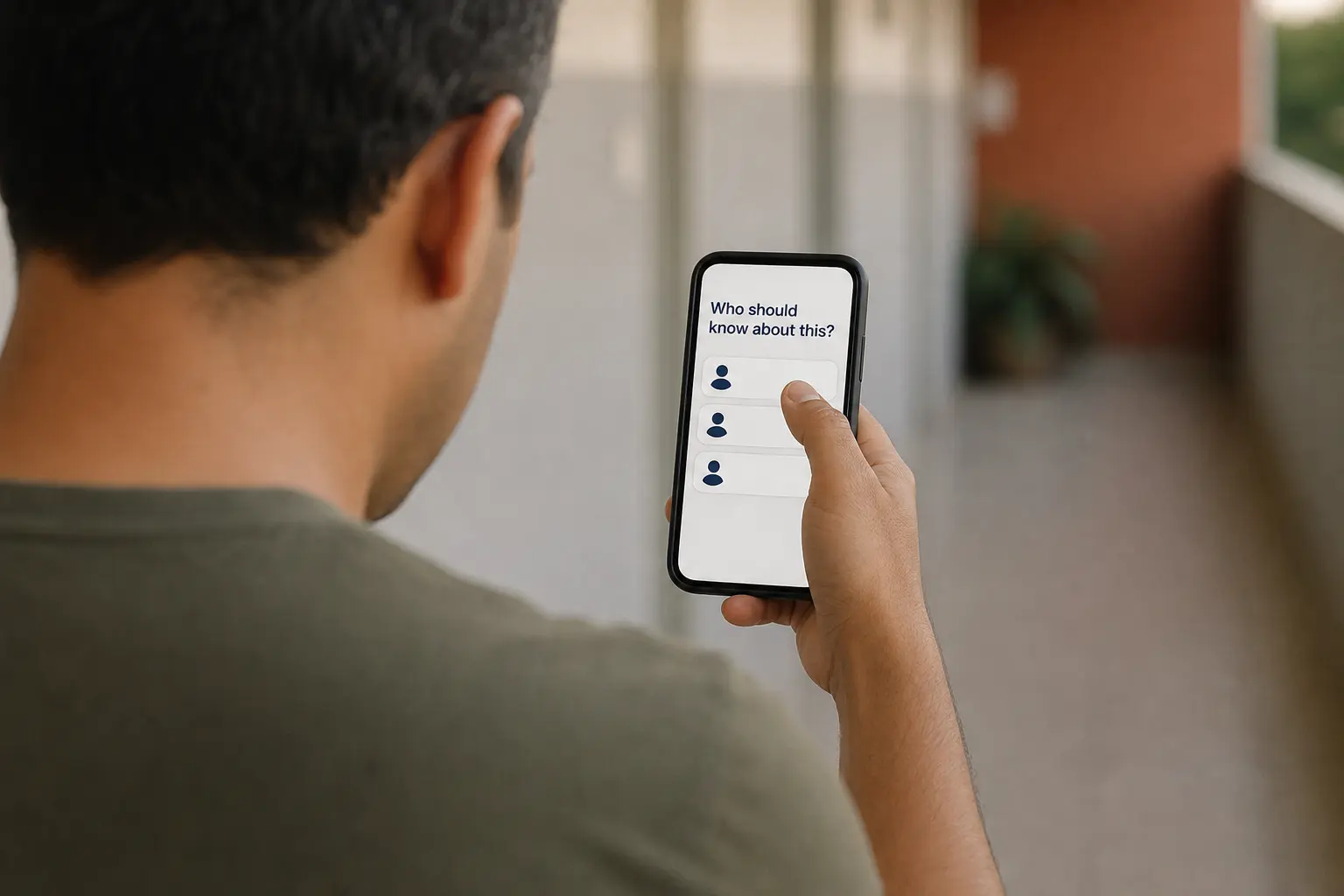
With X9, you can share a task list via a scannable QR code or a direct link. The contractor opens the list in their mobile browser, sees the tasks, and can check them off as they go. This frictionless sharing is what makes X9 faster than traditional property management software. The manager stays in control of the data, while the worker gets a simple, clear list of work to do.
Professionalizing the Follow-Up
The biggest complaint residents have isn't that things break—it's that they don't know if anyone is fixing them. When you use X9, you have a clear record of every task.
Instead of digging through your 'Starred Messages' on WhatsApp, you can open your maintenance buckets and see exactly what is pending. When a resident asks for an update, you can provide a concrete answer based on the task status. This professionalizes your management style and reduces the friction between you and the people living in the building. You stop being the person who 'forgets things' and start being the manager who has a system for everything. Explore more on our blog about optimizing your workflow.
Keep reading
Improving Park Maintenance Through Collective Reporting and QR Hand-offs
How property managers can leverage community-driven task lists to address park issues faster.
Discover how property managers use X9 to crowdsource park maintenance reports. Learn how QR codes and shared buckets turn citizen feedback into actionable tasks.
May 1, 2026 · X9
How to Manage Shared Student Housing Without the Drama
Keep your kitchen clean and common areas tidy using simple QR-based task sharing.
Learn how to organize student living spaces, from kitchen rotas to maintenance reminders, using X9's QR task lists. One person manages the app; everyone else scans to help.
May 1, 2026 · X9